> ## Documentation Index
> Fetch the complete documentation index at: https://xsnlite.app/llms.txt
> Use this file to discover all available pages before exploring further.
# Spot-ify Installer
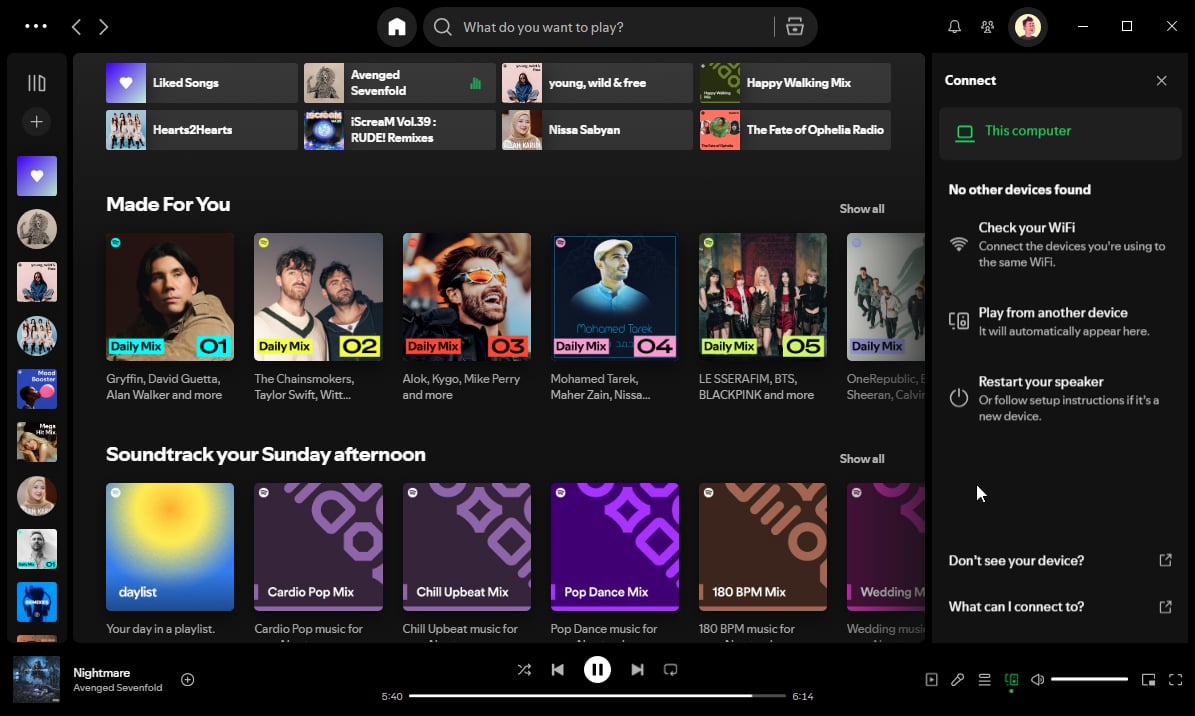
> Spot-ify Installer is a tool that I created because it was inspired by and uses several scripts from SpotX. In this tool you can install Spotify, Choose a theme lyrics, and set the maximum cache size
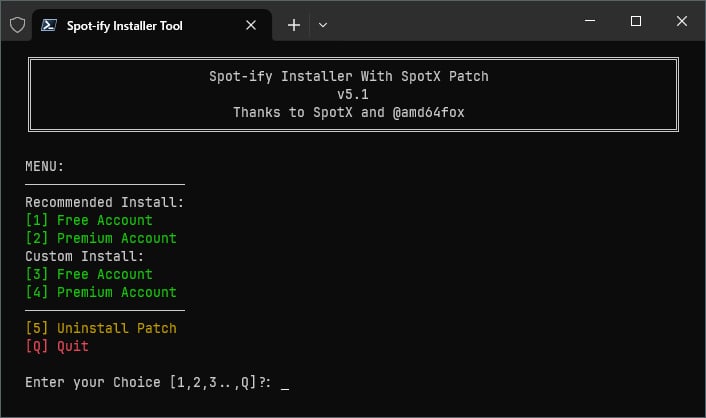 ## Screenshot
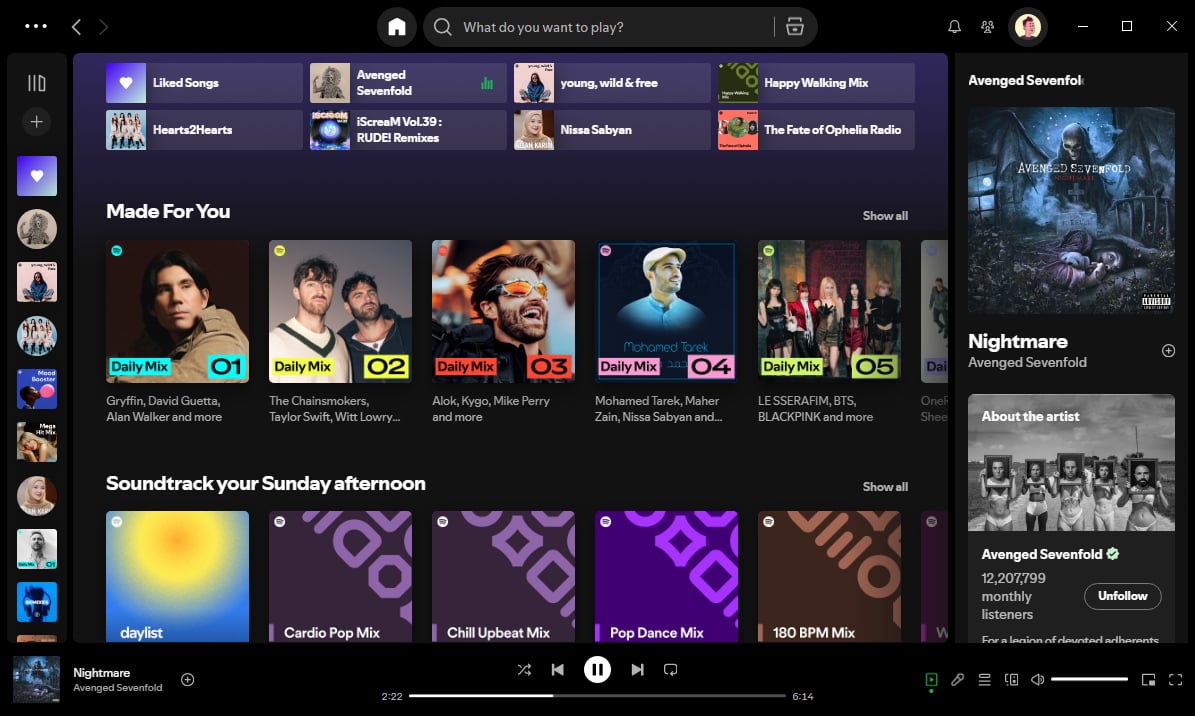
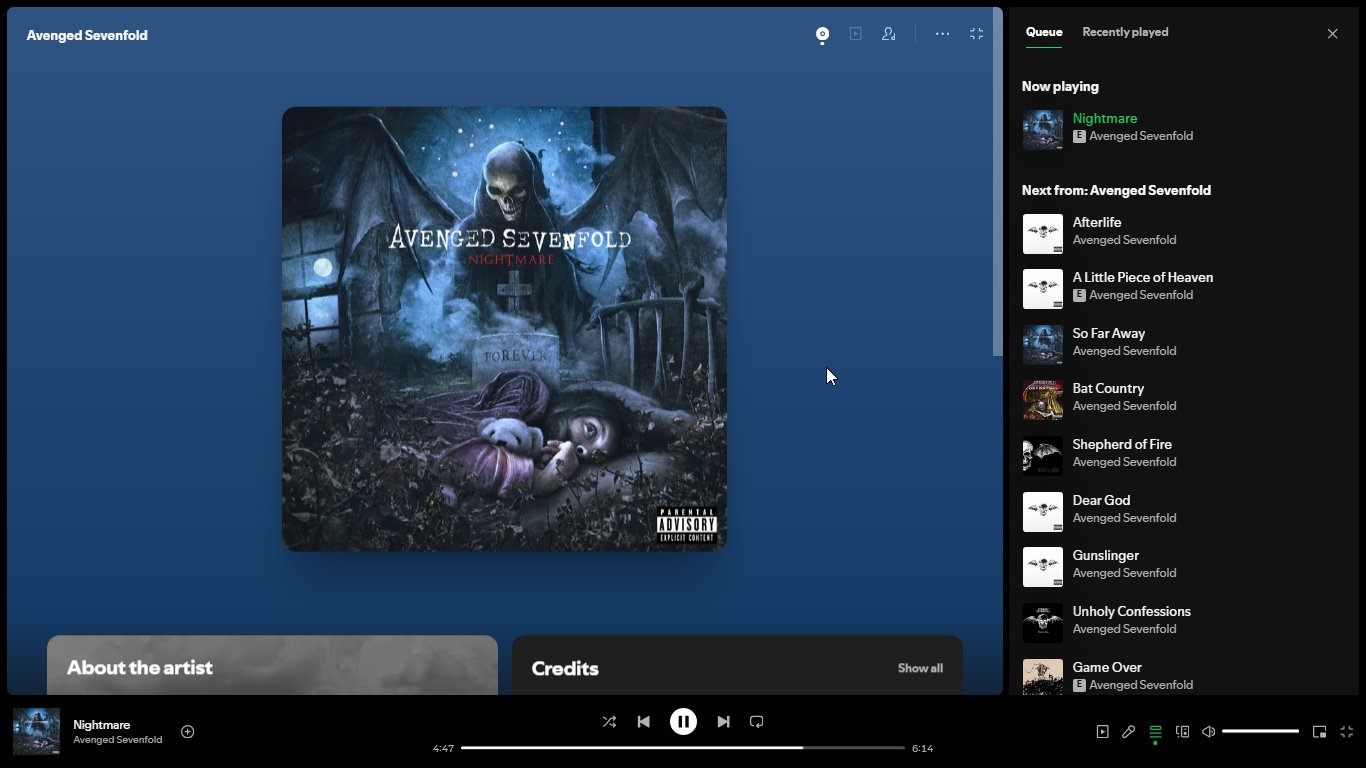
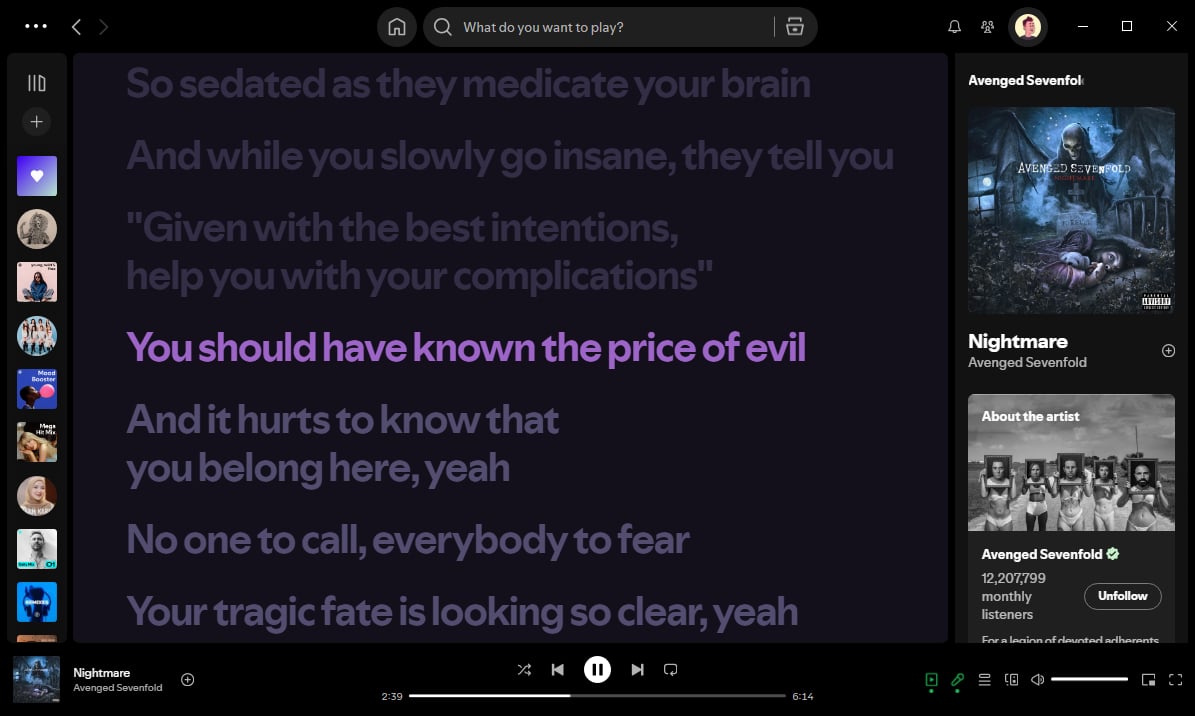
 ## **Requirements**
* Windows 10 or Later
* Spotify Web (not Microsoft Store Version)
* Powershell 5.1 or Above
## **Features**
* 📌 All ads blocked
* 💻 Only for Windows 10 and Above
* 🍜 Free/Premium users
* 🎨 New theme
* 🧪 Experimental features
* ⛔️ Updates blocked
* *\[Custom]* Audio cache limit set
* *\[Custom]* Choose theme lyric
* *\[Optional]* Hiding podcasts sections from the homepage
## **How to Run the Tool**
* Just Open Powershell or use [Windows Terminal](https://eksan127.gitbook.io/revanced-xsn-lite/wiki/windows-terminal) for better performance and better UI, then paste this syntax and hit Enter
```powershell theme={null}
irm https://eksan127.github.io/spot-ify/run_tool.ps1 | iex
```
This script will detect as a virus for some antivirus, that is False Positive
* Type 1, 2, or 3 for Install Spotify depends your Account Type *(make sure you are connected to the internet)*
* Select theme what do you want
* Set Maximum cache, type range 500-20000MB
* Wait until process finish
* And done
**Q:** How to update?\
**A:** Run the tool again just as you installed and it will update to the new version. Join [Morphe XSN Lite](https://t.me/morphexsnlite) channel for updated information\
\
**Q:** What Experimental Features?\
**A:** You can[ read here](https://github.com/SpotX-Official/SpotX/discussions/50)\
\
**Q:** This tool on GitHub?\
**A:** Yes, this link [GitHub](https://github.com/eksan127/spot-ify)
* [SpotX](https://github.com/SpotX-Official/SpotX)
Morphe XSN Lite Channel
* [Telegram](https://t.me/morphexsnlite)
* [WhatsApp](https://whatsapp.com/channel/0029Vb5lYPi7YSd3ugsaVS2Z)
## **Requirements**
* Windows 10 or Later
* Spotify Web (not Microsoft Store Version)
* Powershell 5.1 or Above
## **Features**
* 📌 All ads blocked
* 💻 Only for Windows 10 and Above
* 🍜 Free/Premium users
* 🎨 New theme
* 🧪 Experimental features
* ⛔️ Updates blocked
* *\[Custom]* Audio cache limit set
* *\[Custom]* Choose theme lyric
* *\[Optional]* Hiding podcasts sections from the homepage
## **How to Run the Tool**
* Just Open Powershell or use [Windows Terminal](https://eksan127.gitbook.io/revanced-xsn-lite/wiki/windows-terminal) for better performance and better UI, then paste this syntax and hit Enter
```powershell theme={null}
irm https://eksan127.github.io/spot-ify/run_tool.ps1 | iex
```
This script will detect as a virus for some antivirus, that is False Positive
* Type 1, 2, or 3 for Install Spotify depends your Account Type *(make sure you are connected to the internet)*
* Select theme what do you want
* Set Maximum cache, type range 500-20000MB
* Wait until process finish
* And done
**Q:** How to update?\
**A:** Run the tool again just as you installed and it will update to the new version. Join [Morphe XSN Lite](https://t.me/morphexsnlite) channel for updated information\
\
**Q:** What Experimental Features?\
**A:** You can[ read here](https://github.com/SpotX-Official/SpotX/discussions/50)\
\
**Q:** This tool on GitHub?\
**A:** Yes, this link [GitHub](https://github.com/eksan127/spot-ify)
* [SpotX](https://github.com/SpotX-Official/SpotX)
Morphe XSN Lite Channel
* [Telegram](https://t.me/morphexsnlite)
* [WhatsApp](https://whatsapp.com/channel/0029Vb5lYPi7YSd3ugsaVS2Z)